
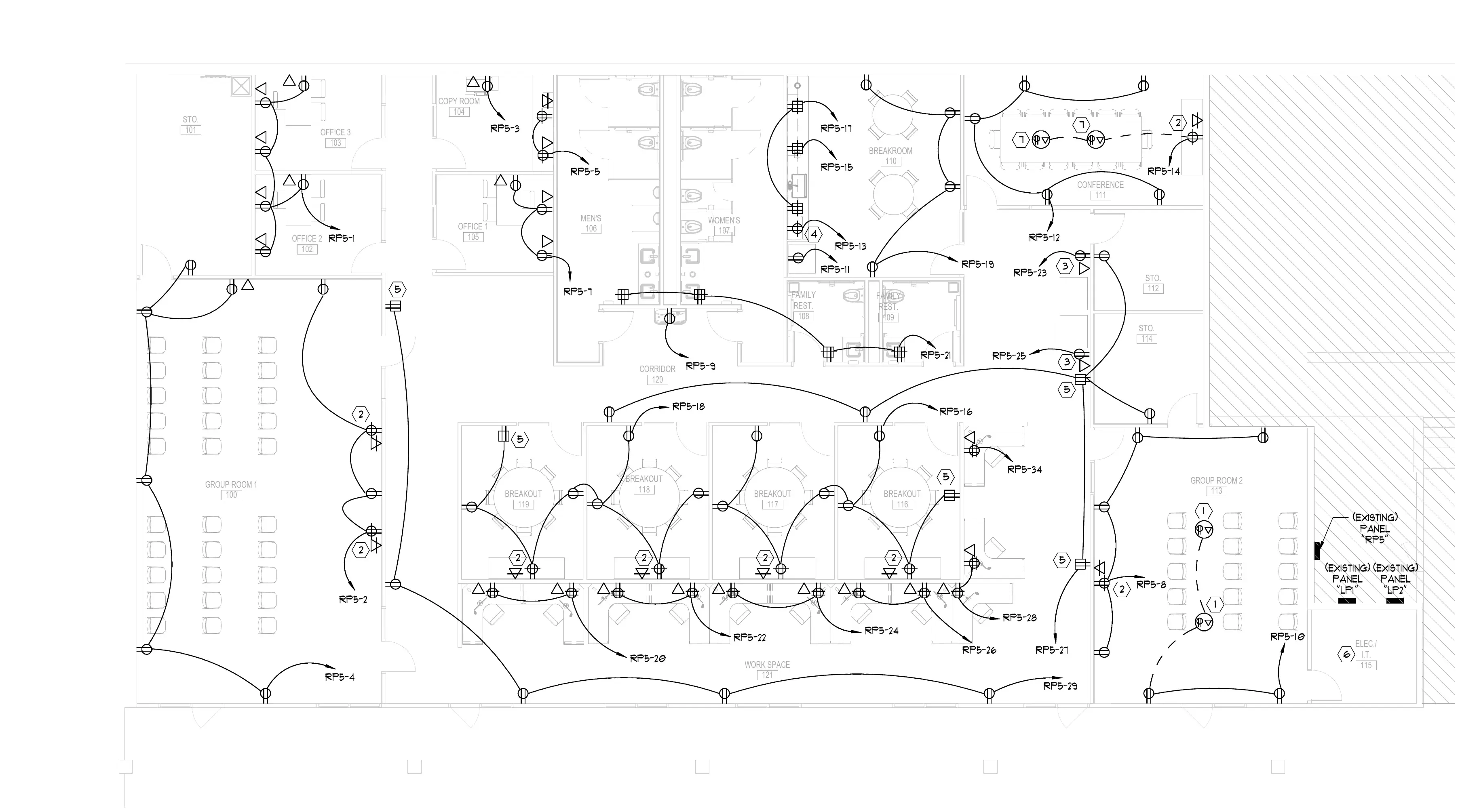
Duplex receptacle
67 EA
1/8" = 1'-0"92%
Upload electrical plans. AI counts outlets, switches, panels, and fixtures — helps measure conduit runs. Get a complete BOQ and professional quote in minutes, not days.
AI
takeoffs from PDF plans
1000s
of symbols counted automatically
CSV
quantity export
Counting every outlet, switch, junction box, and fixture across 50+ sheet sets. One missed symbol means money lost.
Hours wasted counting what AI does for you
Scaling conduit lengths, wire pulls, and cable tray runs from blueprints by hand. Errors compound across floors.
Inaccurate wire orders waste thousands
GCs need your electrical scope priced yesterday. By the time you finish the takeoff, another electrician already won the bid.
Every slow quote is a lost job
Without accurate counts, you either pad the bid and lose, or underestimate and eat the cost on wire, devices, and labor.
Inaccurate bids erode your profit every project
PDF blueprints. Single sheets or full plan sets.
Outlets, switches, panels, fixtures — all detected and counted.
Wire, conduit, devices, and fixtures — itemized and ready to price.
Professional electrical proposal with labor and materials.
AI detects and counts every electrical symbol — outlets, switches, panels, junction boxes, light fixtures, fire alarm devices — across all sheets.
Count thousands of symbols in minutes, not hours
AI reads the plan scale and measures conduit runs, wire pull lengths, and cable tray routes automatically.
Accurate linear footage without a scale ruler
Auto-generated bill of quantities with wire by gauge, conduit by size, devices by type, panels, and fixtures. Export as CSV.
Complete material list ready for supplier pricing
Turn your takeoff into a polished quote with labor hours, materials, and markup. Send professional proposals that win GC trust.
Bid more electrical scopes without hiring estimators
Upload entire plan sets. AI processes electrical sheets, identifies circuits, and cross-references panel schedules.
Full project scope from one upload
Built-in wire waste factors, pull calculations, and labor hours per device type. Industry-standard rates included.
Accurate job costing with every bid
Electrical bidding software helps electrical contractors turn plans into priced proposals. BuildVision AI reads your electrical drawings, counts every device and fixture, measures conduit and wire runs, and generates a bill of quantities you can price and send as a professional bid.
The AI detects electrical symbols across your plan set — outlets, switches, panels, junction boxes, light fixtures, and fire alarm devices — and counts them automatically. It reads the plan scale to measure conduit runs and wire pull lengths, so your quantities are ready to price in minutes instead of hours.
Yes. BuildVision AI produces a full electrical bill of quantities — wire by gauge, conduit by size, devices by type, panels, and fixtures — then turns it into a polished proposal with labor hours, materials, and markup that you can share with the GC as a link.
BuildVision AI offers a Demo on your drawings • No credit card required
Explore more: our dedicated electrical bidding software overview, the electrical construction estimating guide, and our roundup of the best electrical estimating software.
Upload your first electrical plan and see AI count every device in minutes.