
AI Symbol & Item Counting
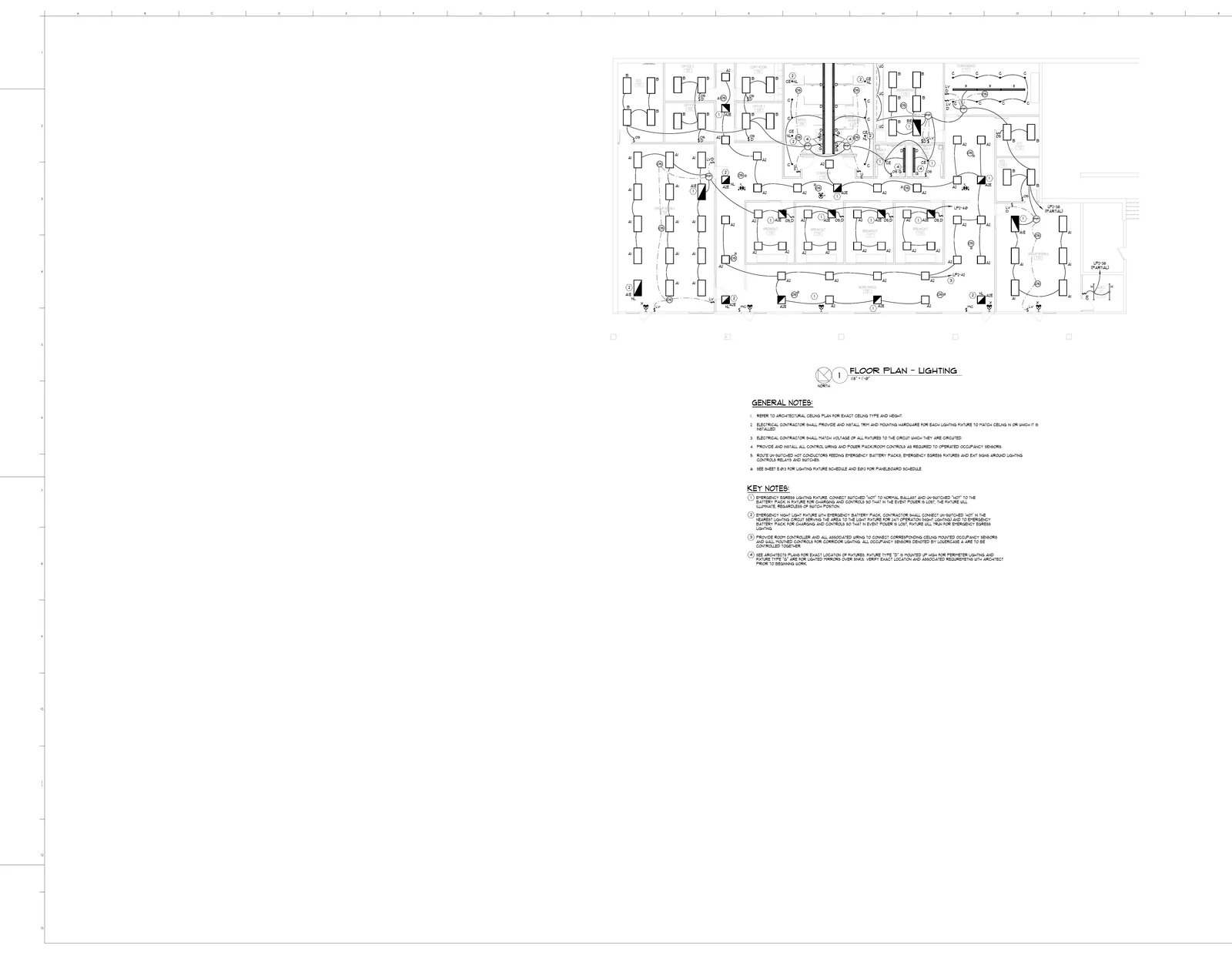
Stop tallying symbols by hand across dozens of plan sheets. BuildVision uses computer vision to detect and count every outlet, switch, fixture, sprinkler head, diffuser, and fitting on your plans — then aggregates totals across all sheets and feeds them directly into a BOQ. Visual overlays show exactly what was detected so you can verify in seconds.
Features
AI Symbol Detection
Computer vision identifies electrical, plumbing, HVAC, and fire protection symbols — regardless of drawing style, line weight, or scan quality. Works on CAD exports and hand-drawn plans alike
Automatic Counting
Every instance of each symbol type is counted accurately and categorized. No more tally sheets, no more losing count halfway through a 40-sheet plan set
Multi-Sheet Aggregation
Counts from every sheet in the plan set are aggregated into a single summary. Upload 50 sheets and get one total count per symbol type — no manual addition required
Visual Verification
Color-coded overlays on the original plan show exactly where each item was detected. Click any count to jump to the sheet and see the highlighted symbol — verify in seconds, not hours
Count-to-BOQ Pipeline
Counted items flow directly into a structured bill of quantities with no re-entry. Symbol counts become material line items ready for pricing and procurement
Any Trade, Any Symbol
Electrical outlets, plumbing fixtures, fire sprinkler heads, HVAC diffusers, structural connections, lighting fixtures — if it is on the plan, BuildVision counts it
Process
How It Works
Upload Plans
Drop your PDF blueprints into BuildVision — electrical, plumbing, HVAC, fire protection, or any other trade. Single sheets or full plan sets
AI Detects Symbols
Computer vision scans every sheet, identifies all symbol types from the legend, and counts every instance. Results are categorized by symbol type and sheet
Verify Counts
Review color-coded overlays on the original plan. Each detected symbol is highlighted — click any count to see exactly where it was found. Adjust anything that needs correction
Export or Build BOQ
Download aggregated count totals to Excel, or push them directly into a BOQ with one click. Symbol counts become material line items ready for pricing
- Eliminate hours of manual counting
- Catch every item — no more missed symbols
- Visual proof of every detected item
- Aggregate counts across multi-sheet plan sets
- Feeds directly into BOQ and quote workflows
- Works for any trade — electrical, plumbing, HVAC, fire
The Problem
- Your estimator is hunched over a plan set with a highlighter, tallying symbols sheet by sheet. 40 sheets, 12 symbol types, 4 hours of counting — and they still miss a few
- Missed outlets or fixtures turn into change orders on site. One overlooked sprinkler head on one sheet can throw off the entire bid
- When counts do not match, the only way to verify is to re-count everything from scratch — doubling the time investment
Our Solution
- AI scans all 40 sheets in minutes and counts every symbol type. No tally marks, no highlighters, no losing count on sheet 37
- Color-coded overlays on every sheet show exactly what was detected. Click any symbol to verify — takes seconds, not hours
- Counted items flow directly into a BOQ with zero re-entry. Symbols become material line items ready for pricing and procurement
Stop Counting Symbols by Hand
Let AI count every outlet, fixture, and fitting across all your sheets in minutes — free for 14 days.