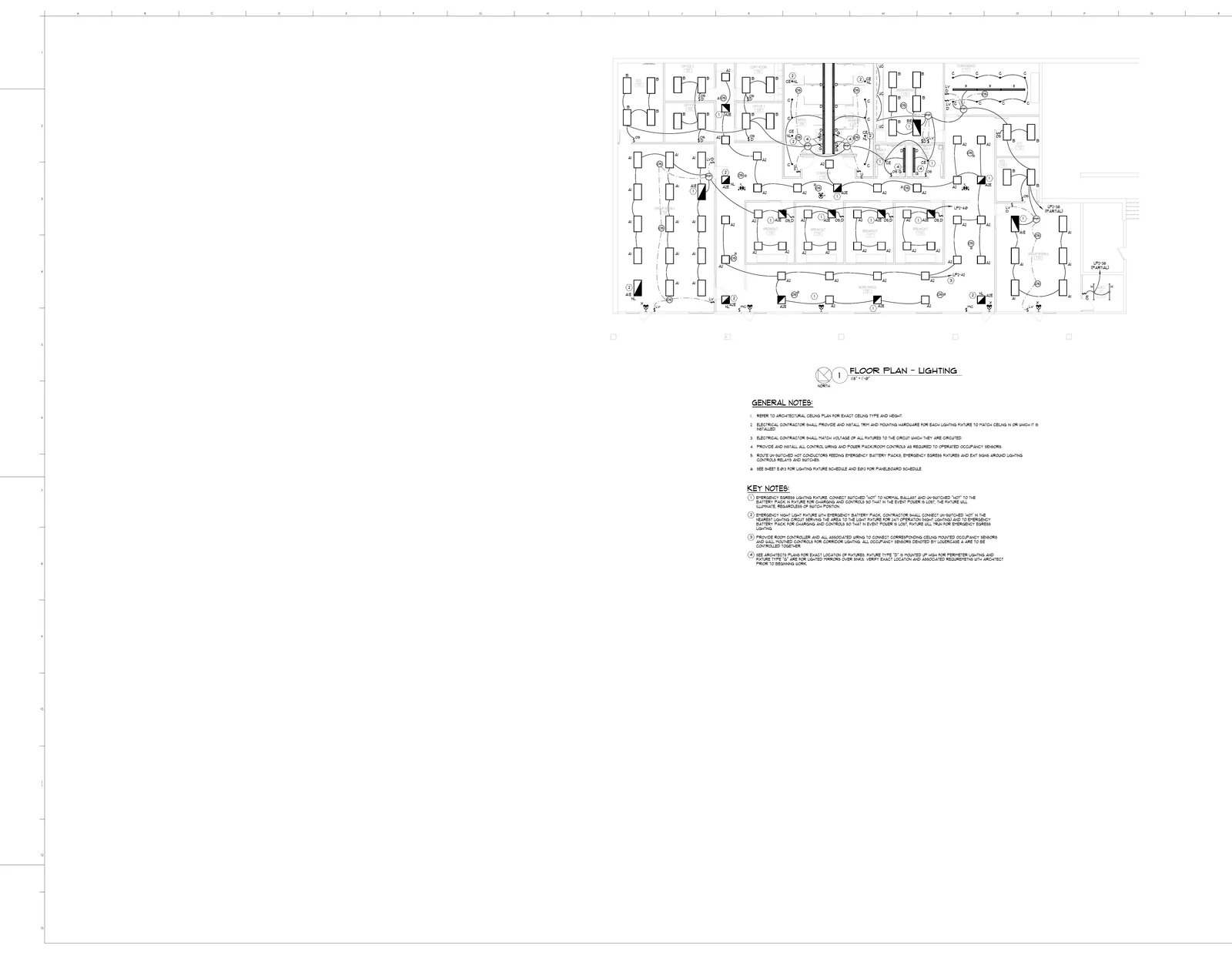
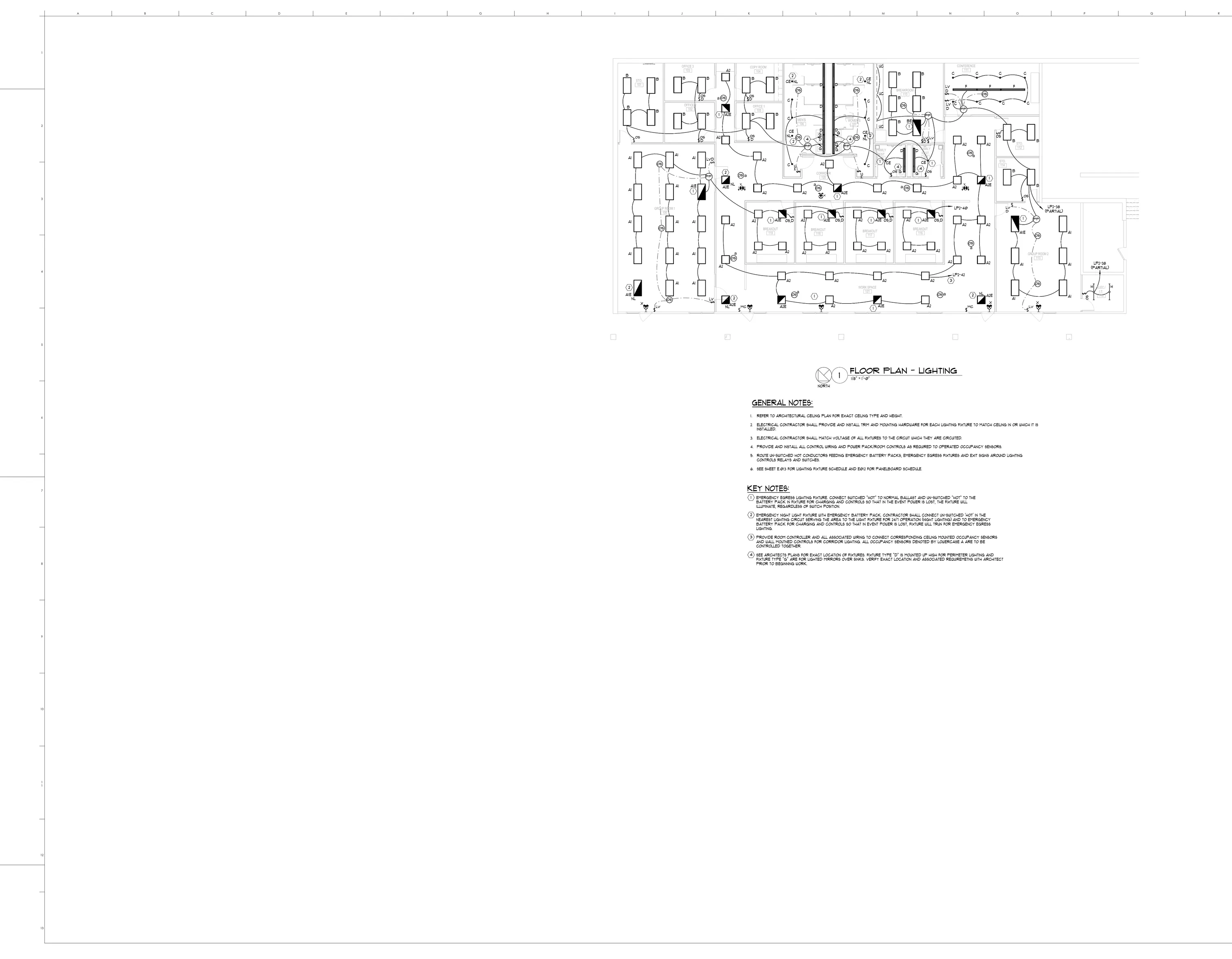
Stop Doing Takeoffs Manually. Give Them to the BuildVision AI Agent.
The AI construction agent that does the takeoff for you
Upload the plans and tell it what you need. The agent reads the sheets, finds, counts, and measures the scope, builds the BOQ, and turns it into an editable quote—while you work on the next bid.
26 51 19C — 4.5in LED downlightE32014EA$194.00$2,716.00
48
line items
219
linked measurements
$37,434
material total
06 · Finish the quote
The takeoff becomes an editable quote.
Review the commercial details, adjust pricing and margin, preview the customer document, then share or send it.
$89,000
editable bid ready to send
Autosaved
Customer preview
Share and send
BuildVision AIQuote detail
BV
Quotes/Q-2026-014
Northgate Office — ElectricalDraftSaved
Northgate Commercial · Valid through Sep 30, 2026
PreviewShareSend quote
Electrical lighting
Created from E320 takeoff · 48 line items
+ Add line
DescriptionQtyUnitPriceTotal
A2 — 2×2 recessed direct fixture35EA$170.00$5,950.00
B — 2×4 shallow plenum fixture21EA$220.00$4,620.00
A1 — 2×4 recessed direct fixture18EA$220.00$3,960.00
Lighting branch wiring3,686LF$0.42$1,548.12
Tax
7.00%
Discount
$0.00
Margin
25.0%
Bid total
$89,000.00
One connected workflow
Plan set→AI takeoff→BOQ→Editable quote
The drawing evidence stays connected all the way through, so your team can inspect the work without re-entering it.
From takeoff to estimate
An AI estimator that actually does the takeoff
Most “AI estimator” tools still leave you doing the slow part. BuildVision takes the plan set, completes the takeoff, organizes the quantities, and carries the work into the estimate and quote.
Stop tracing plans
The agent finds and measures the scope across the sheets.
Stop counting by hand
Repeated symbols become organized takeoff quantities.
Stop re-keying data
The completed takeoff flows into the BOQ and estimate.
Bid more work
Move on to the next opportunity while the agent handles the takeoff.
Source drawing marks stay attached to the takeoff, so your team can check the completed work, set pricing, and approve the final bid.
What does the BuildVision AI Construction Agent do?
It does the construction takeoff. Upload the plan set, tell the agent the trade or scope, and it reads the sheets, finds the work, completes counts and measurements, organizes the BOQ, and moves the result into an editable quote.
Does the agent do the takeoff or just assist me?
It does the takeoff. You do not have to trace every run, count every symbol, or transfer every quantity into the next tool by hand. The completed work stays connected to the source drawings so your team can inspect it before the bid goes out.
Is this an AI estimator?
Yes. BuildVision turns plans into quantities and an estimate without leaving you to do all the manual takeoff work. It goes further by carrying the completed takeoff into a BOQ and editable quote.
What do I get back from the agent?
You get the drawing-linked counts and measurements, organized takeoff quantities, a bill of quantities, and an editable estimate or quote ready for your pricing and commercial decisions.
Can I check the takeoff before using it?
Yes. Counts and measurements remain tied to the drawing evidence. Your team can inspect the takeoff, adjust the scope, apply pricing, and approve the final bid without starting the work over.