
Turn Blueprints into Quotes, Fast
Upload your construction plans and let AI extract material quantities, apply your pricing, and generate professional proposals. From plans to bid-ready quote in minutes — respond faster, win more, and stop leaving money on the table.
Features
AI-Powered Takeoffs
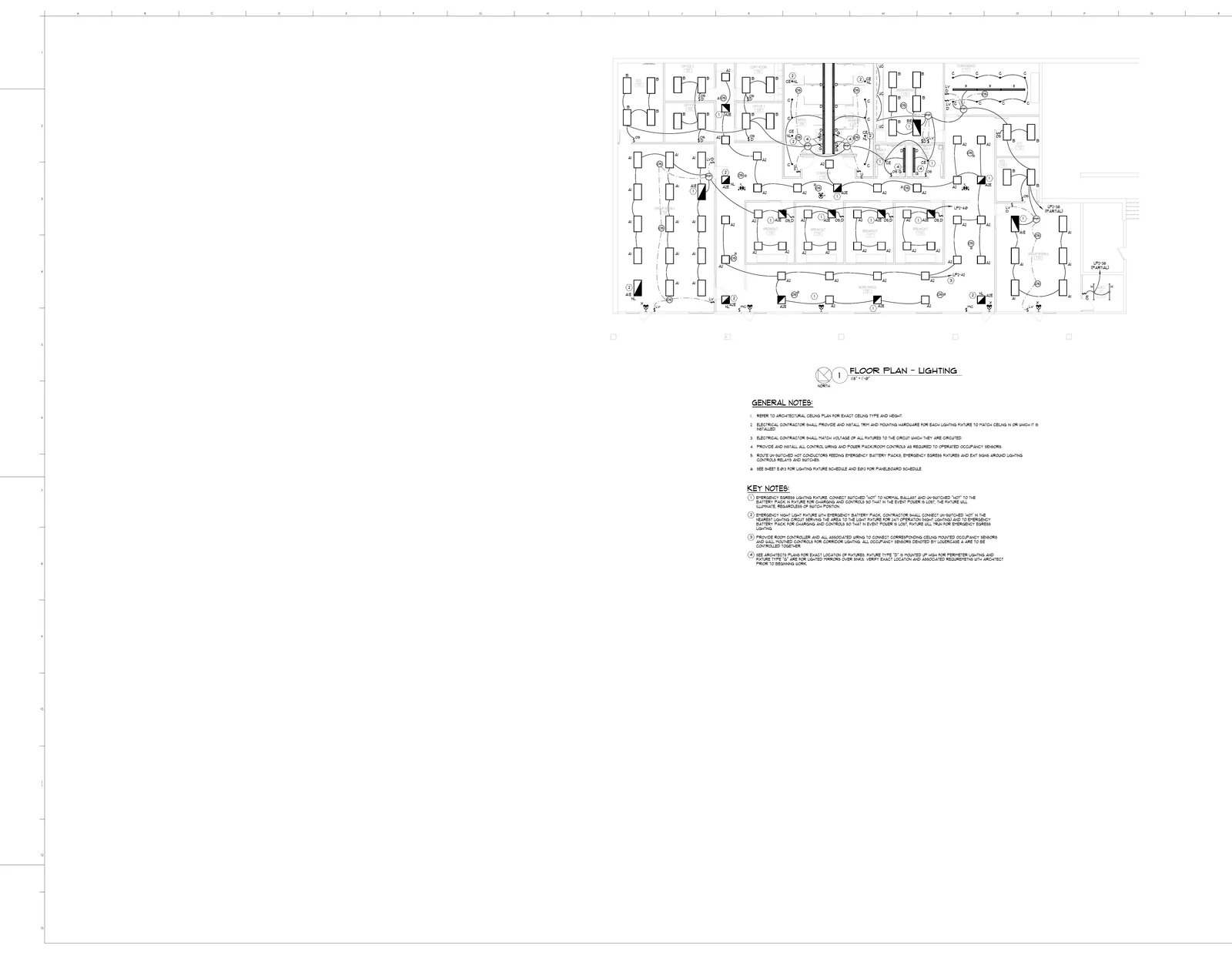
Upload PDF blueprints and get material quantities extracted automatically. AI detects symbols, measures runs, and counts every item across all sheets
Professional Quotes
Generate polished proposals with your logo, terms, and pricing — ready to send. Materials, labor, equipment, and markup broken out clearly for the client
Faster Turnaround
Respond to bid requests the same day they arrive instead of taking days. The contractor who quotes first wins more often — that should be you
Markup & Labor Rates
Apply your own markup percentages, labor rates, and overhead to AI-generated material lists. Save rate templates so every quote uses your real numbers
Bid Tracking
See which quotes were sent, opened by the client, and won or lost. Know your close rate by trade, project size, and client — and optimize your pricing
Quote Versioning
Revise quotes without losing previous versions. Full change history shows exactly what was modified and when — no more emailing "Quote_v3_FINAL_v2.pdf"
Process
How It Works
Upload Plans
Drag and drop your PDF blueprints into BuildVision. Single sheets or full plan sets — any trade, any scale
AI Analysis
AI detects symbols, counts items, measures runs, and compiles a structured bill of quantities with units and waste factors
Review & Price
Verify the takeoff with visual overlays, apply your markup and labor rates, and customize the proposal with your terms and branding
Send & Win
Share the quote as a link, optionally password-protected, and send it same-day. Your client opens it in the browser and can sign and accept it
- Faster quote turnaround
- AI-assisted material takeoffs
- Professional proposal templates
- Track bid status and close rates
- Apply your own markup and labor rates
- Full quote versioning and change history
The Problem
- Your estimator spends all day on one set of plans while three more bid requests sit untouched in the inbox
- The GC sends plans to five subs — the first one to return a quote usually wins. You are never the first one
- Every estimator formats quotes differently. Clients see inconsistent proposals and wonder if you are organized enough for the job
Our Solution
- AI takes off material quantities from blueprints in minutes — freeing your estimator to price, not count
- Return quotes same-day, before the competition even opens the drawings. First quote in wins more often
- Every proposal follows your template with your branding — professional, consistent, and ready to send
Upload Your First Blueprint Free
Get a complete material takeoff and quote in minutes. Card required to begin the 14-day trial; cancel before billing.
Book a demo
Prefer a walkthrough before you start?
Book a demo on your drawings, or send us one bid package and we will run it through BuildVision and send back the results.
- Explore takeoff, estimating, and quoting.
- Discuss your drawings and estimating rules.
- Or send one bid package and get results back without a meeting.
- 1Your details
- 2Choose a time