
Win More Jobs With AI-Powered Takeoffs & Quotes
Upload plans, get AI quantity takeoffs and item counts in minutes. Generate professional BOQs and quotes that win bids — before your competitors even open the file.
Start Free Trial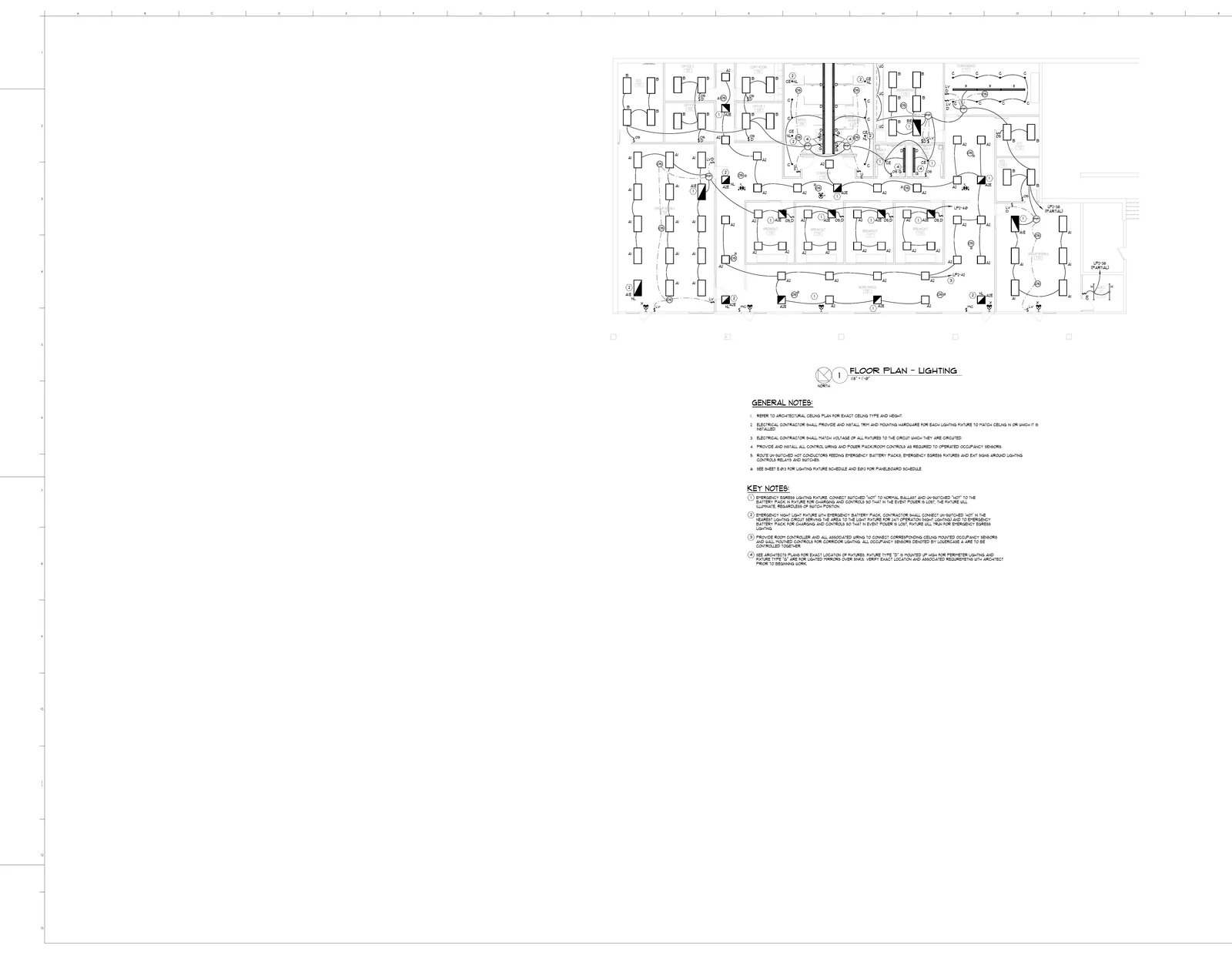
AI Blueprint Takeoffs
Upload your construction plans as PDFs and let AI do the estimating. BuildVision reads every symbol, measures every pipe run and conduit length, and counts every fixture — then outputs a complete material takeoff with quantities, units, and waste factors. What used to take a senior estimator an entire day now takes minutes.
AI Symbol & Item Counting
Stop tallying symbols by hand across dozens of plan sheets. BuildVision uses computer vision to detect and count every outlet, switch, fixture, sprinkler head, diffuser, and fitting on your plans — then aggregates totals across all sheets and feeds them directly into a BOQ. Visual overlays show exactly what was detected so you can verify in seconds.
AI Bill of Quantities
Turn blueprint takeoffs into a structured bill of quantities. Review items, quantities and units, organize the scope, and apply your material and labor pricing before preparing a quote.
Turn Blueprints into Quotes, Fast
Upload your construction plans and let AI extract material quantities, apply your pricing, and generate professional proposals. From plans to bid-ready quote in minutes — respond faster, win more, and stop leaving money on the table.
Close More Bids with AI Estimation
Your sales team uploads blueprints, AI extracts quantities and applies your pricing, and a professional proposal is ready to send — all in the same day. Stop losing bids to faster competitors. Track win rates, optimize pricing, and grow your revenue.
Costing & Price Catalogs
Manage material calculators, labor productivity, material libraries, and supplier price catalogs that feed every quote line item.
Documents That Open Straight Into Takeoff
Upload PDFs, images, and quote files into the document center. BuildVision processes OCR, extracts project context, prepares page images, and lets plan PDFs open directly in the takeoff editor.
The AI Construction Agent That Does Your Takeoff
Upload the plans. The agent finds, counts, and measures the work, builds the BOQ, and moves it into an editable quote.
Project Pipeline & Stats
The Projects page brings together action items, pipeline stats, recent quotes, documents, takeoffs, and project status so estimators know what needs attention.
See BuildVision AI in Action
See how contractors are winning more bids with AI-powered takeoffs and quotes.
Start Free Trial