
AI Bill of Quantities
Turn blueprint takeoffs into a structured bill of quantities. Review items, quantities and units, organize the scope, and apply your material and labor pricing before preparing a quote.
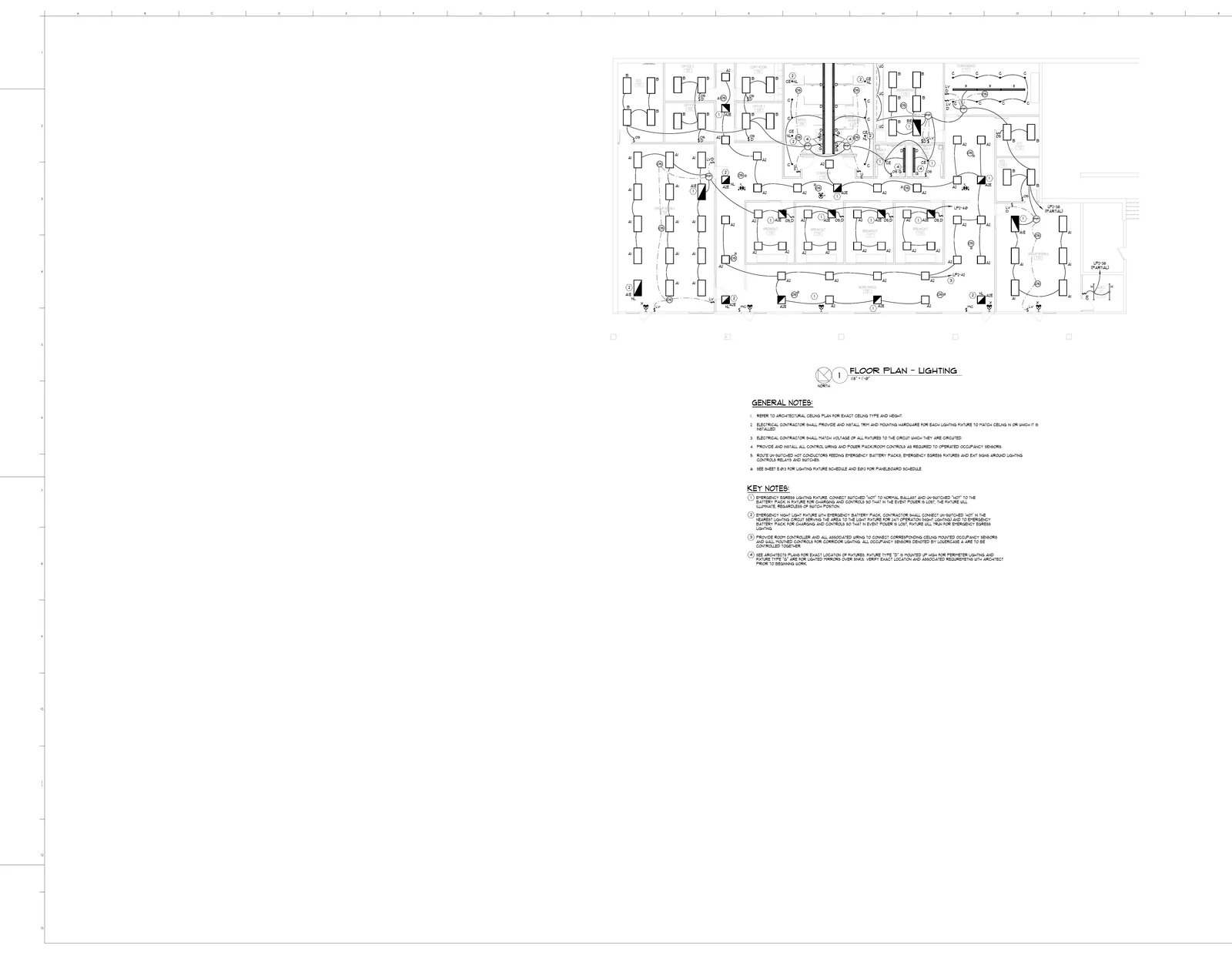
| CSI | Item | Qty | Unit | Budget |
|---|---|---|---|---|
| 26 51 13 | A2 recessed direct fixture | 35 | EA | $5,950 |
| 26 51 13 | B shallow plenum fixture | 21 | EA | $4,620 |
| 26 51 19 | A1 recessed fixture | 18 | EA | $3,960 |
| 26 05 19 | #12 lighting branch runs | 43 | LF | $1,548 |
| 26 09 23 | Occupancy sensor switch | 20 | EA | $2,740 |
Features
Structured BOQ Output
Every item organized by trade package, section, and CSI division code. Quantities, units, and waste factors calculated automatically — ready for your pricing spreadsheet or procurement team
AI Material Extraction
AI helps identify items from plan legends and drawings. Review the result against schedules, notes and details, then add missing scope and correct detections before pricing
Multi-Trade Support
Electrical, plumbing, HVAC, fire protection, and structural — one upload produces a BOQ covering every discipline in the plan set. No need to process trades separately
CSV & Excel Export
Export reviewed quantities as CSV or an Excel workbook, then add your pricing in the spreadsheet
Edit Before Export
Add items the AI missed, remove duplicates, adjust quantities, or split line items into sub-items. You stay in full control before anything leaves your desk
Minutes, Not Days
A set of plans that would take days to compile manually produces a complete BOQ in minutes. Bid on more projects without hiring more estimators
Process
How It Works
Upload Plans
Drag and drop your PDF blueprints into BuildVision — single sheets or full plan sets with architectural, mechanical, electrical, and plumbing drawings
AI Extracts Items
AI reads every sheet, parses legends and schedules, identifies materials and quantities, calculates waste factors, and organizes everything by trade and CSI code
Review BOQ
Check the structured output against the plans, adjust quantities, add or remove items, and plug in your unit pricing. Visual overlays show what was extracted from each sheet
Export & Price
Export quantities as CSV for your pricing spreadsheet, or turn the reviewed quantities into a quote draft in BuildVision
- Complete BOQs in minutes instead of days
- Structured output organized by trade and CSI code
- Reduce missed items and quantity errors
- CSV export for Excel and spreadsheets
- Covers electrical, plumbing, HVAC, and structural
- Edit and adjust before exporting
The Problem
- Compiling a BOQ by hand means days of flipping between plan sheets, cross-referencing legends, and manually entering every line item into a spreadsheet
- Missed items show up as change orders on site — eating your margin and damaging client trust
- Every estimator formats BOQs differently. Procurement gets confused, suppliers quote wrong items, and nothing matches up
Our Solution
- AI reads every sheet in the plan set and compiles a complete, structured BOQ with quantities, units, and waste factors
- Review AI quantities against legends, schedules and details so missing scope and duplicate detections can be corrected before pricing
- Consistent formatting every time — organized by trade, CSI code, and section, ready to export as CSV
Get Your First BOQ in Minutes
Upload any plan set and get a complete, trade-organized bill of quantities — free for 14 days.
Book a demo
Prefer a walkthrough before you start?
Book a demo on your drawings, or send us one bid package and we will run it through BuildVision and send back the results.
- Explore takeoff, estimating, and quoting.
- Discuss your drawings and estimating rules.
- Or send one bid package and get results back without a meeting.
- 1Your details
- 2Choose a time